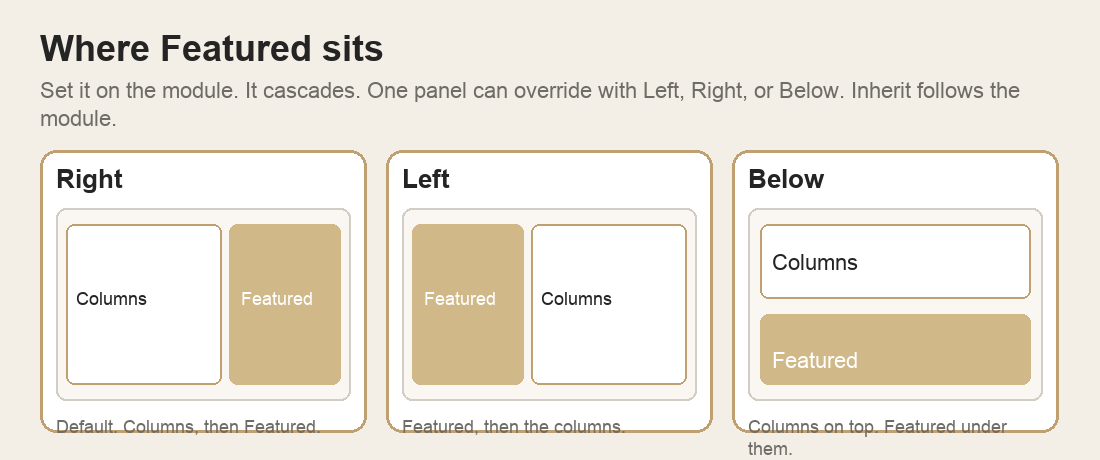
Set Featured Position on the module. It cascades to every panel. One panel can override it.
- Right — default. Columns, then Featured.
- Left — Featured, then the columns.
- Below — columns on top, Featured under them.
- Inherit on a panel follows the module. Left, Right, or Below replace it on that panel only.
Image Fit Cover fills the frame and crops. Contain shows the whole image. Image Scale is 10–100 (default 100). Under 100, the image is that percent of the pane. Align it left, center, or right. Vertical alignment applies only when Featured has no copy of its own.