These settings work together, but each controls a different part of the Featured area:
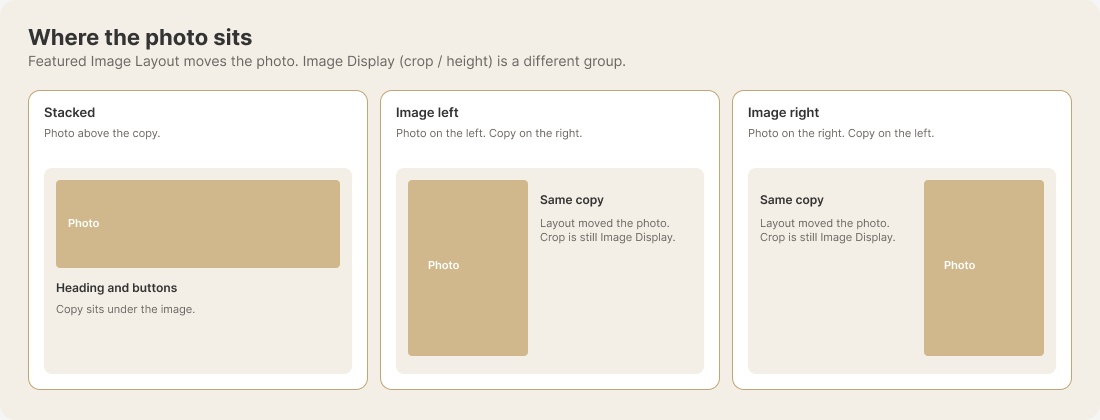
- Featured Image Layout: Chooses where the image appears—stacked above the copy, to the left, or to the right.
- Image Display: Controls image height, Natural or Fixed height cropping, the crop anchor, copy placement, and optional Desktop or Tablet replacement images.
- Featured: Holds the image and written content visitors see. Featured images are not shown on phones.
View the Featured Image Layout example. Changing the layout moves the image; cropping and height remain under Image Display.