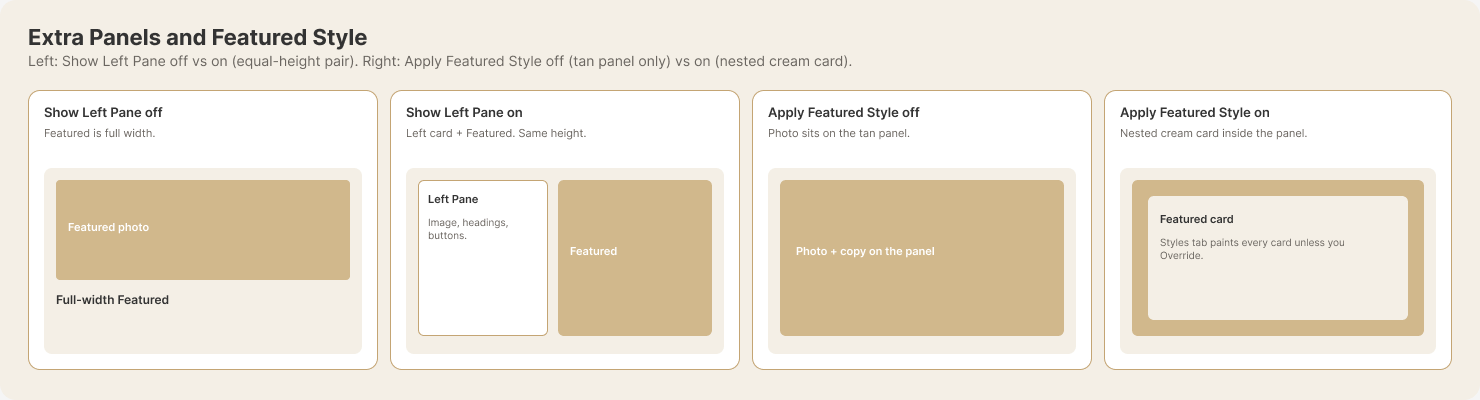
Apply Featured Style sets the default Featured treatment for every mega-menu card that does not have its own override. Override Featured Style changes that treatment for one Mega or Extra card only. This lets you keep a consistent default while making an intentional exception on a specific card. The same default-and-override idea applies to column styling and the left pane. View the Featured Style comparison.
SW Modules
What is the difference between Apply Featured Style and Override Featured Style in SW Header Mega?
Search all FAQs
Still can’t find what you are looking for? Try ChatGPT.