

Use Extra Panels and fill Header Item Link (required). Extra items sit after HubSpot items on desktop. Drag Extra Panels to reorder extras only.
They do not appear in the phone drawer. Do not use Extra Item Link (legacy, hidden) for new extras.
Show Left Pane off = Featured full width. On = left card + Featured as an equal-height pair.
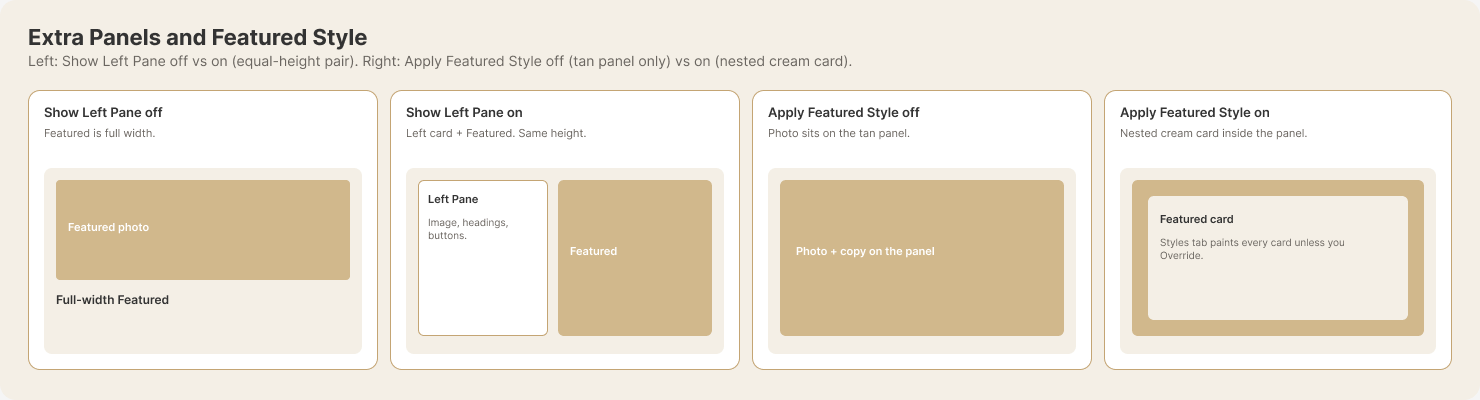
Left two cards: Show Left Pane off vs on. Right two cards: Apply Featured Style off vs on (see also the Featured Style question).
